How to Password Protect & Encrypt an Email in Outlook
An authoritative, interactive technical study analyzing built-in Microsoft Outlook protocols (OME & S/MIME) alongside client-side file vault defenses (Folder Lock) across Windows, Android, iOS, and macOS platforms.

Breaches originating from unencrypted email attachments sent externally.
OME Portal, S/MIME Certificates, Office Locks, and Pre-Send File Vaults.
Military-grade protection required for compliance & external PDFs.
Modern encryption has no secret bypass; legitimate owner recovery is mandatory.
💡 Executive Takeaway: Email Transit Encryption vs. Open Password Protection
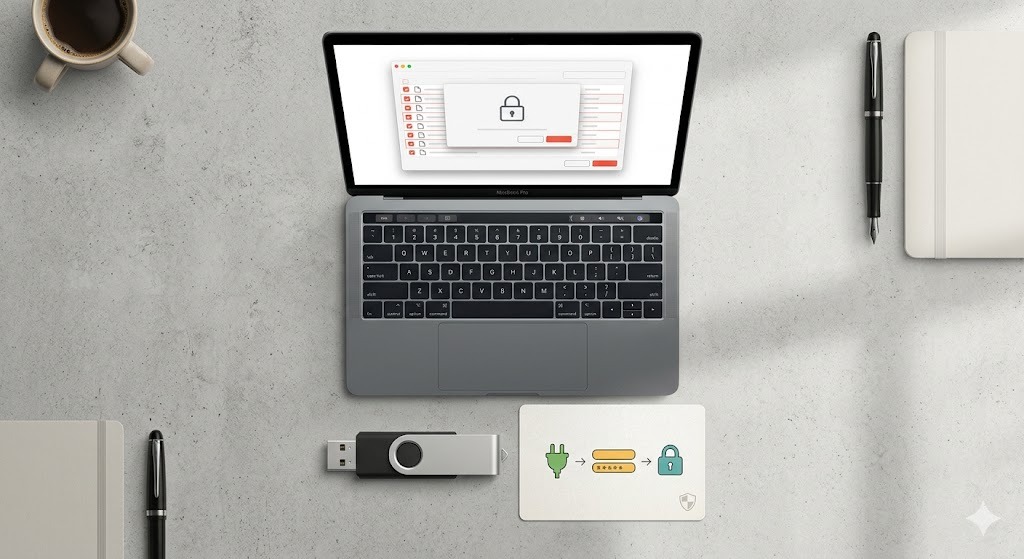
Outlook users often conflate Message Encryption (OME) with assigning a custom manual password to an email attachment. Native Outlook OME secures the message in transit and forces external recipients to authenticate via a one-time passcode. However, if you need to hand a recipient a specific, custom password to open a confidential PDF, ZIP, or document (e.g., via SMS or separate channel), you must lock the file locally before attaching it to your Outlook email message.

Outlook Protection Method Selector
Answer 4 quick questions to instantly identify the optimal encryption or password protection protocol for your specific email scenario.
Step 1: What type of content are you sending via Outlook?
Step 2: Who is the recipient of this email?
Step 3: What is your primary security requirement?
Step 4: What operating environment are you composing from?
Native Outlook Message Encryption (OME)
Detailed recommendation text will load here dynamically based on selected criteria.
- Open Outlook Draft
- Select Options > Encrypt
Step-by-Step Method Walkthroughs
Select a security method below to review detailed implementation instructions, limitations, and user workflows.
Outlook Message Encryption (OME)
Open a new compose window in Outlook Desktop or Web.
Click top ribbon menu Options ➔ Encrypt.
Choose "Encrypt-Only" or "Do Not Forward".
External recipients receive a secure portal verification link.
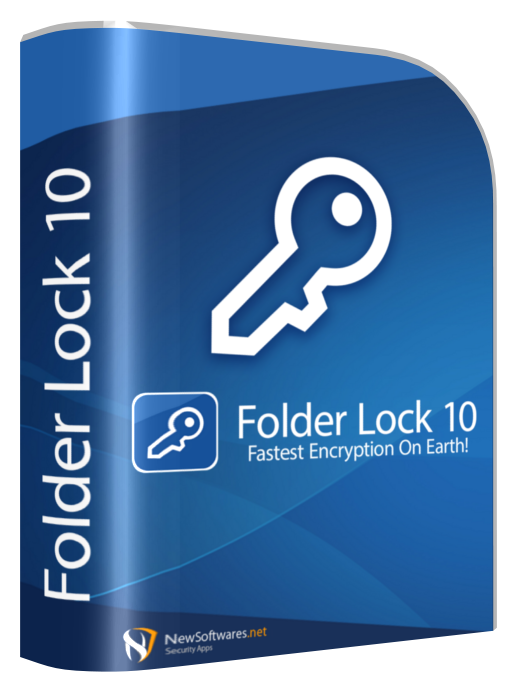

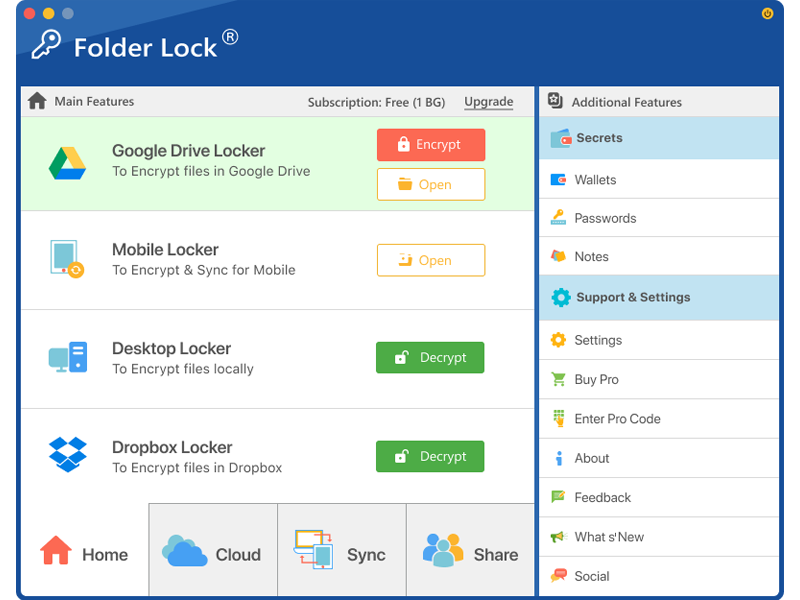

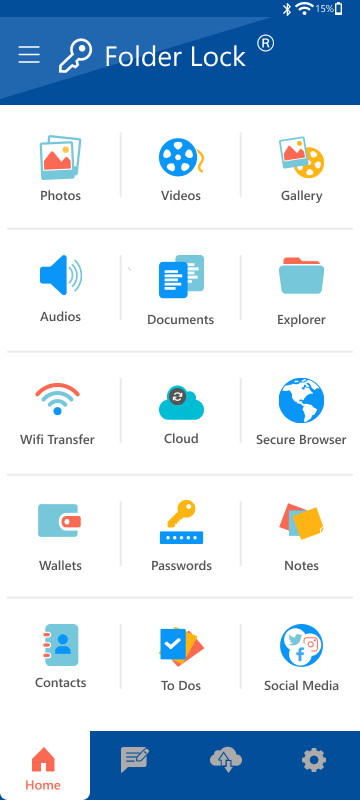
Security Analytics & Protocol Benchmarks
Visualizing protocol capabilities, email breach vectors, and functional edition metrics.
Method Capabilities Comparison
Chart.js RadarComparing protocols across 5 core operational dimensions.
Vulnerability Distribution
Chart.js DoughnutPrimary vectors where confidential business email data is compromised.
Free vs Pro Tier Parameters
Chart.js BarStorage allocations and device sync limits across vault editions.
Comprehensive Vault Feature Explorer
Explore specialized tools offered by pre-send vault architectures like Folder Lock across desktop and mobile devices.
Encrypted Secret Notes
Draft and store private notes, confidential presentation points, and creative ideas protected behind AES-256 master credentials.

Secure Digital Wallets
Organize sensitive credit card numbers, banking records, and corporate logins into encrypted personal vault cards.

Audio & Photo Vaults
Lock voice dictations, music files, and confidential image galleries away from device galleries and cloud backups.
Intruder Hack Monitoring
Automatically log unauthorized unlock attempts, capturing time stamps and intruder details to audit breach attempts.
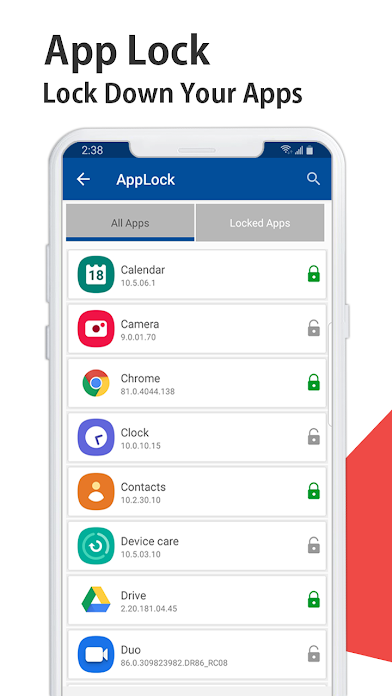
Mobile App Guard
Apply PIN or pattern locks to individual mobile apps like Outlook, Gmail, WhatsApp, and banking applications.
Encrypted Cloud Sync
Synchronize encrypted archives seamlessly across Google Drive, Dropbox, or OneDrive without exposing unencrypted files.

Feature Detail
Detailed workflow description.
Interactive Compatibility Matrix
Filter encryption methods and toggle recipient email platforms to verify expected user behavior.
| Method Name | Custom Password | PDF / Audio Support | Recipient Experience | Forwarding Lock |
|---|---|---|---|---|
| Outlook Message Encryption (OME) Native O365 Service | ✖ No (Automated Passcode) | ⚠️ Partial (Office Docs primary) | Seamless authentication inside O365 ecosystem. | ✔ Yes (Do Not Forward Rule) |
| S/MIME Digital Certificate PKI Certificate Pair | ✖ No (Asymmetric Keys) | ✔ Yes (Encrypts Entire Payload) | Requires installed certificate on recipient device. | ✖ No |
| Office Document Encrypt Word / Excel Pre-Lock | ✔ Yes (Manual Password) | ✖ No (Word/Excel Only) | Prompts recipient for password upon opening file. | ⚠️ Partial (Requires permissions PW) |
| Folder Lock Pre-Send Vault AES-256 Cross-Platform Locker | ✔ Yes (Manual Custom Password) | ✔ Yes (Universal PDFs, Audio, ZIPs) | Universal compatibility; recipient enters password key. | ✔ Yes (Encrypted container) |

Attachment Password Strength & Entropy Evaluator
Test the resilience of secret passwords you assign to protected documents before attaching them to Outlook.
Troubleshooting & Frequently Asked Questions
Search real-world solutions for Outlook encryption issues, Google Sheets import errors, cloud sync security, and key recovery safeguards.
Why does Google Sheets show "Couldn't be opened for import" when opening a protected Outlook attachment? ▼ Toggle
How do I recover access to a password-protected folder or document if I forgot the master password? ▼ Toggle
- Use the official account retrieval process associated with your account email.
- Contact official developer support with verified proof of purchase/license ownership.
- Restore the original file from an unencrypted cloud backup or local backup archive.
Is it safe to sync my encrypted Folder Lock vaults with Google Drive or OneDrive? ▼ Toggle
How do I send a password-protected PDF specifically in Outlook? ▼ Toggle
Why does Outlook say "Cannot encrypt message - missing recipient certificate"? ▼ Toggle
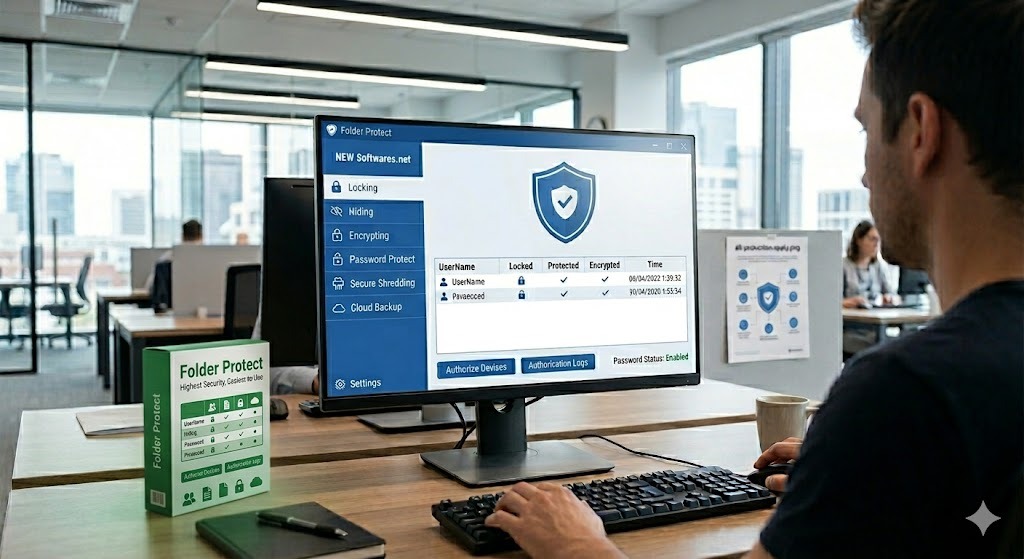
Streamline PDF, File & Attachment Protection
Avoid complex certificate exchanges and corporate portal limitations when sending secure files. Encrypt PDFs, audio recordings, secret notes, and confidential folders locally with Folder Lock across Windows, Android, iOS, and macOS before emailing via Outlook.